PRODUCTION DESIGN · DIGITAL · SYSTEMS
Subway: Production at Scale
A $1.7M national QSR account, three asset types—print menus & POP, FSI, and digital—and the only production role that spans all four, plus system management and documentation.
CLIENT
Subway
ASSET TYPES
Print menus, POP, FSI, digital
MY ROLE
Studio Designer: production & systems
TOOLS
InDesign, Photoshop, Illustrator, Google Sheets, Figma
DELIVERABLES
3000+ print and digital assets per year
300+
Assets per campaign window
6x
Campaign windows per year + test campaigns
40%
Reduction in FSI production time
4
Scripts built to reduce production time and QA
THE WORK
Four pipelines, running simultaneously, one studio designer touching all of them
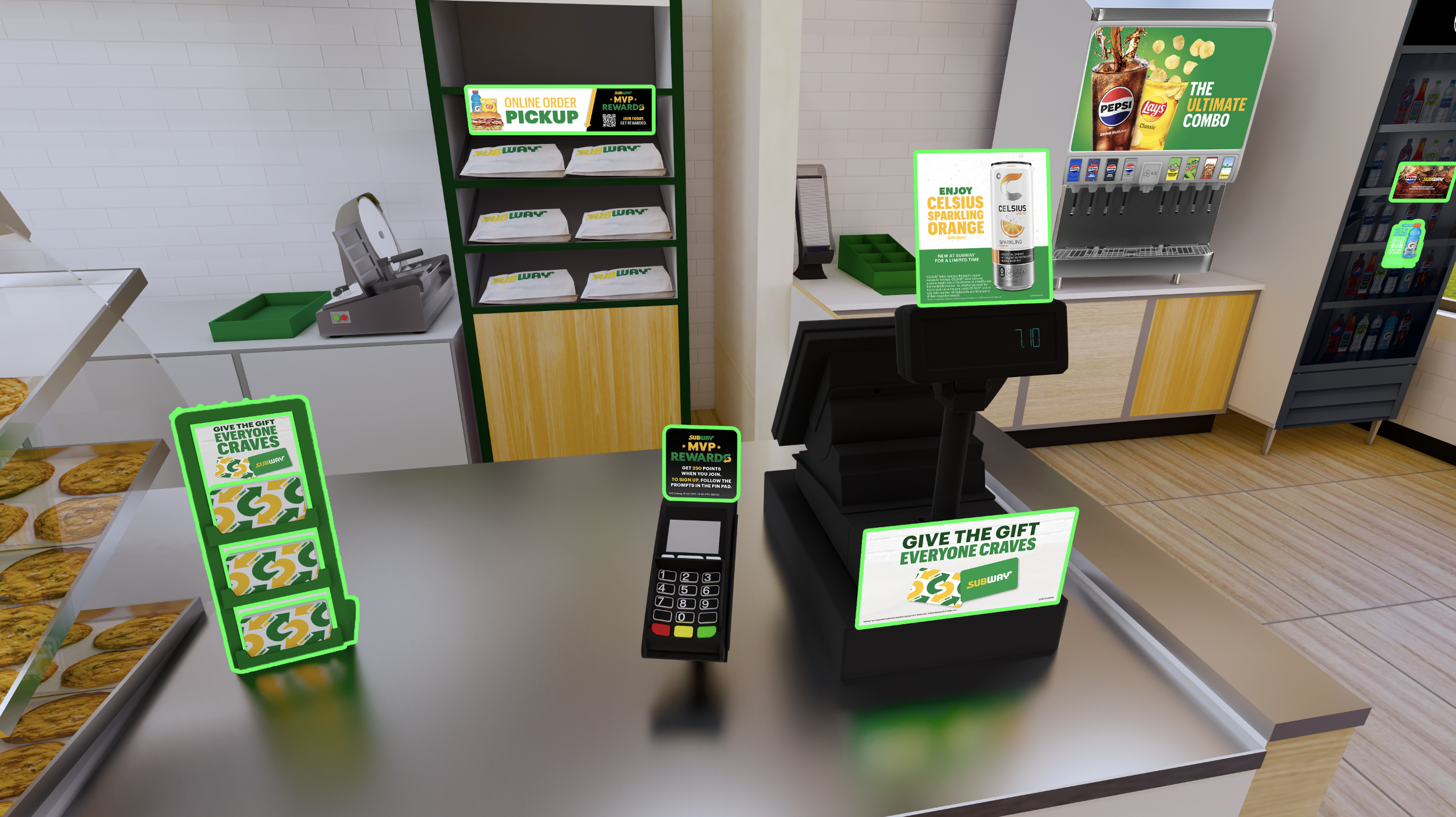
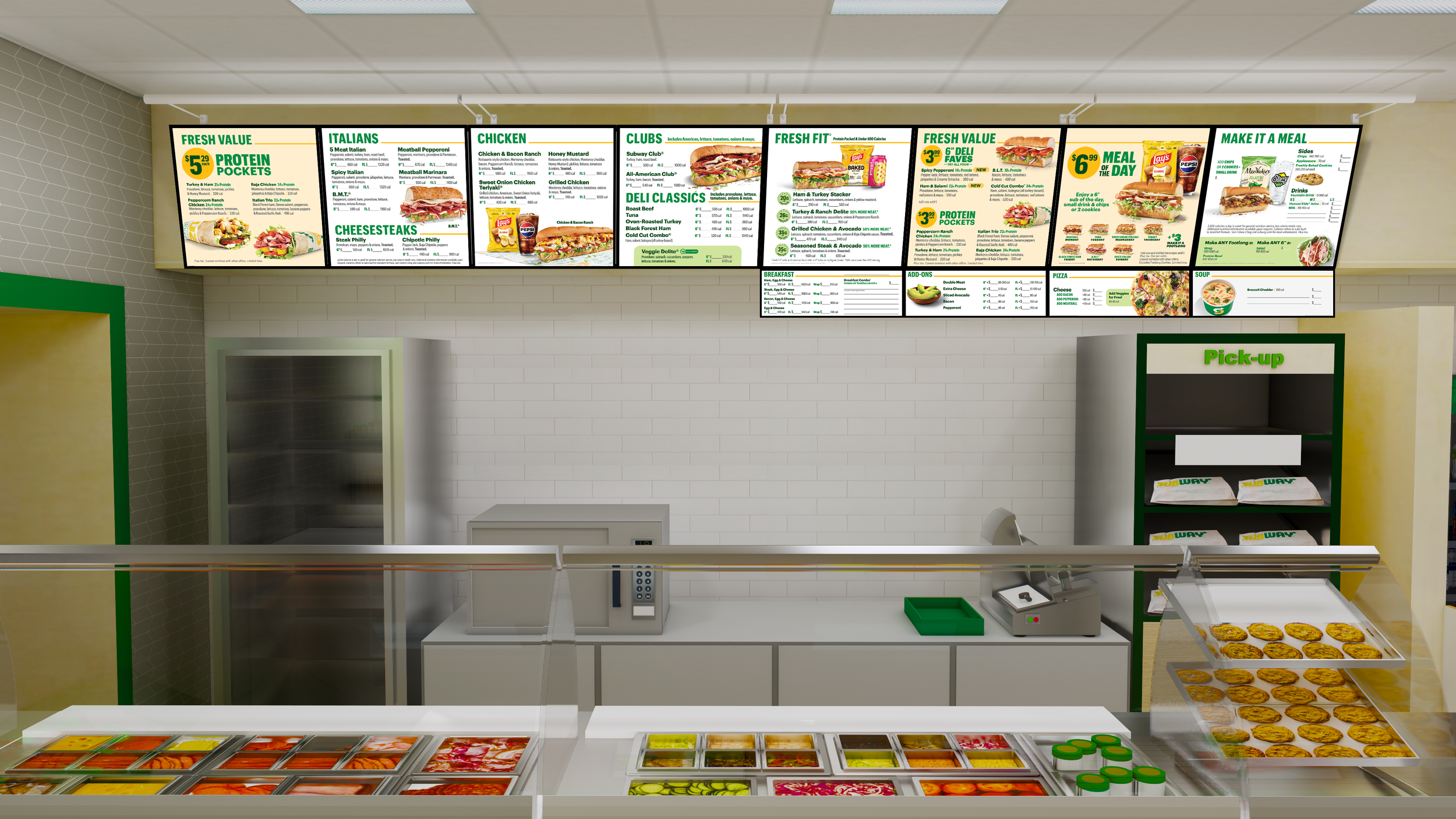
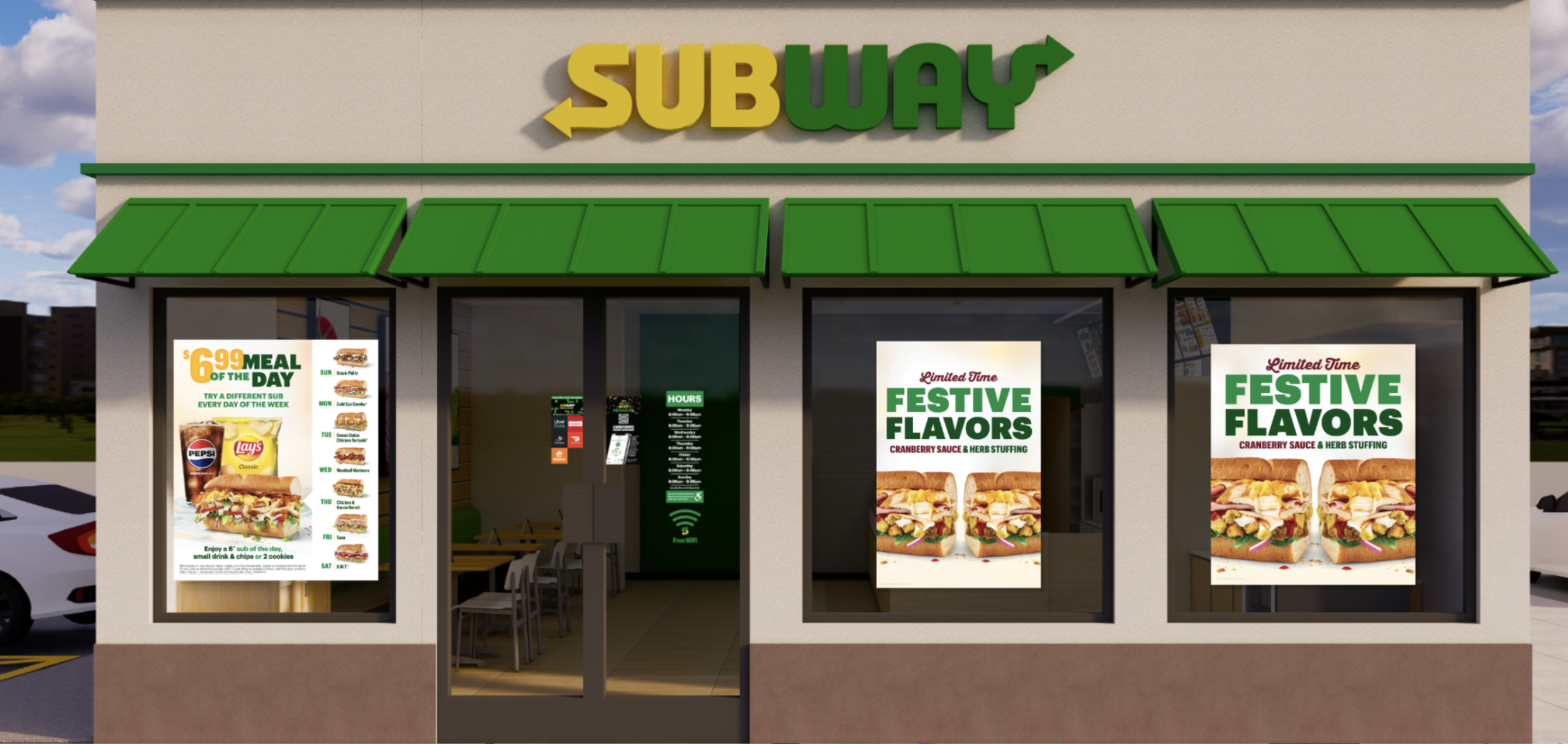
Subway runs overlapping campaign windows; one round of 300+ assets is being finalized while the next is already starting. I'm the only studio team member across all four branches: menu boards & POP (point-of-purchase), FSIs (free-standing inserts), digital, and process documentation & systems.
From messy printer file names to a fully tracked production pipeline
JOB 1 | MENU BOARDS & POP
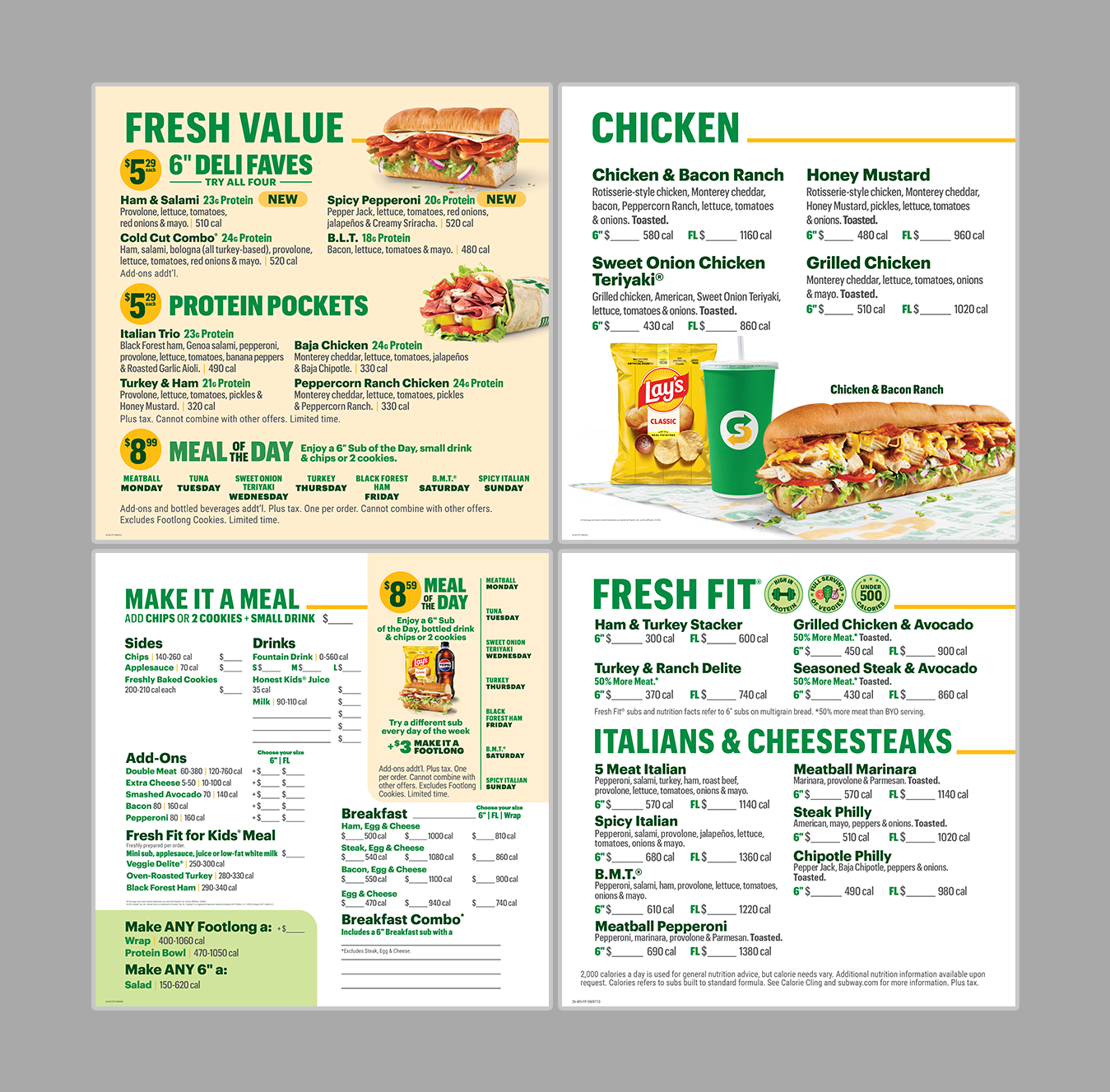
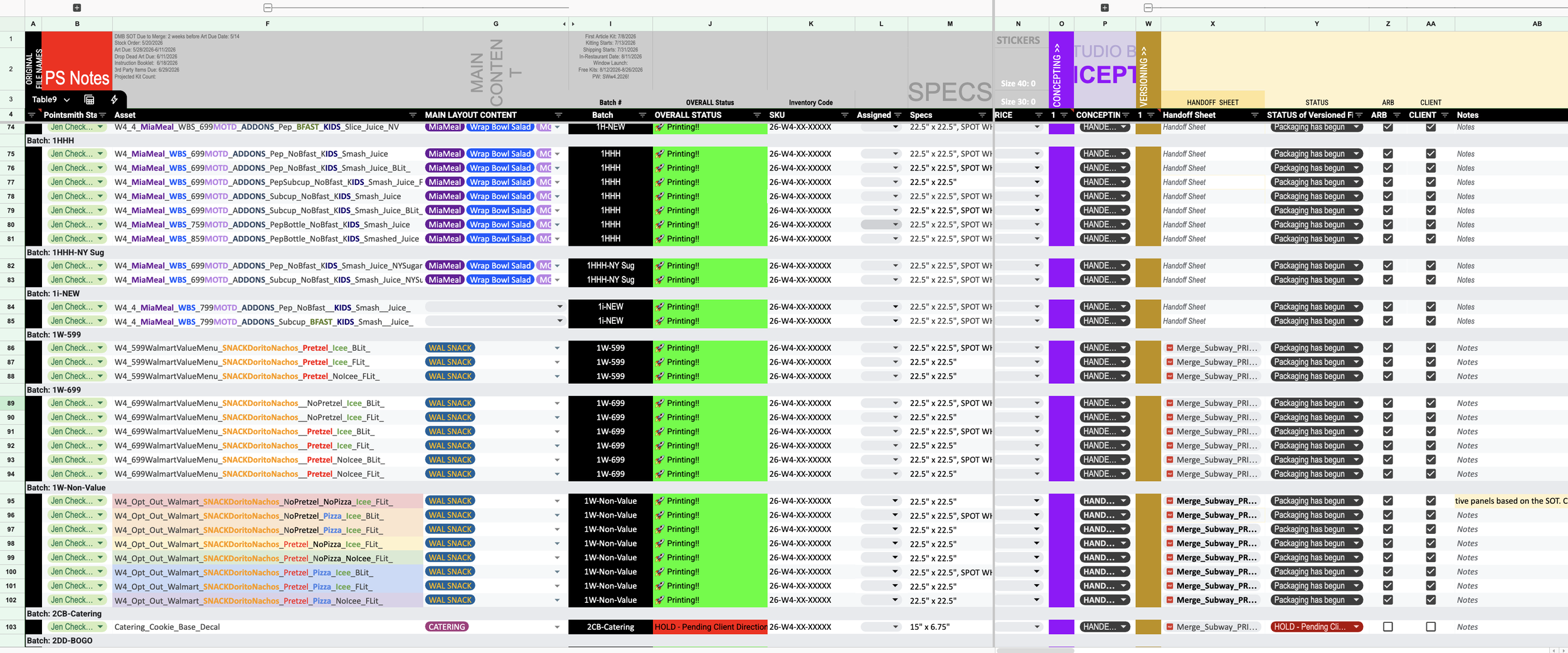
This job starts with SKUs from printers with file names that need serious cleanup. I helped build Google Sheets macros, using AI, that batch-rename and color-code everything into our SOT (source of truth), the master tracking document for versioning and printing.
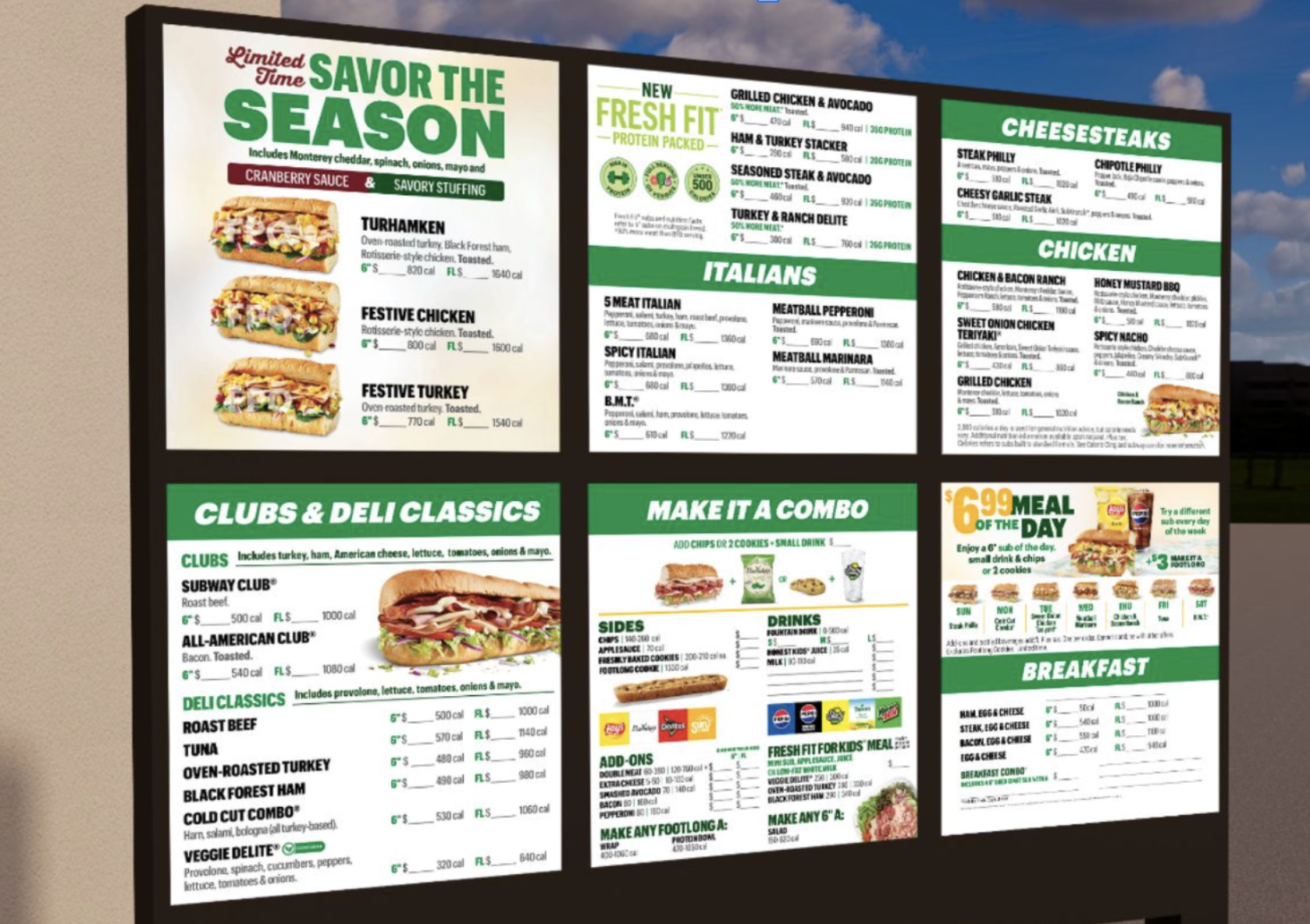
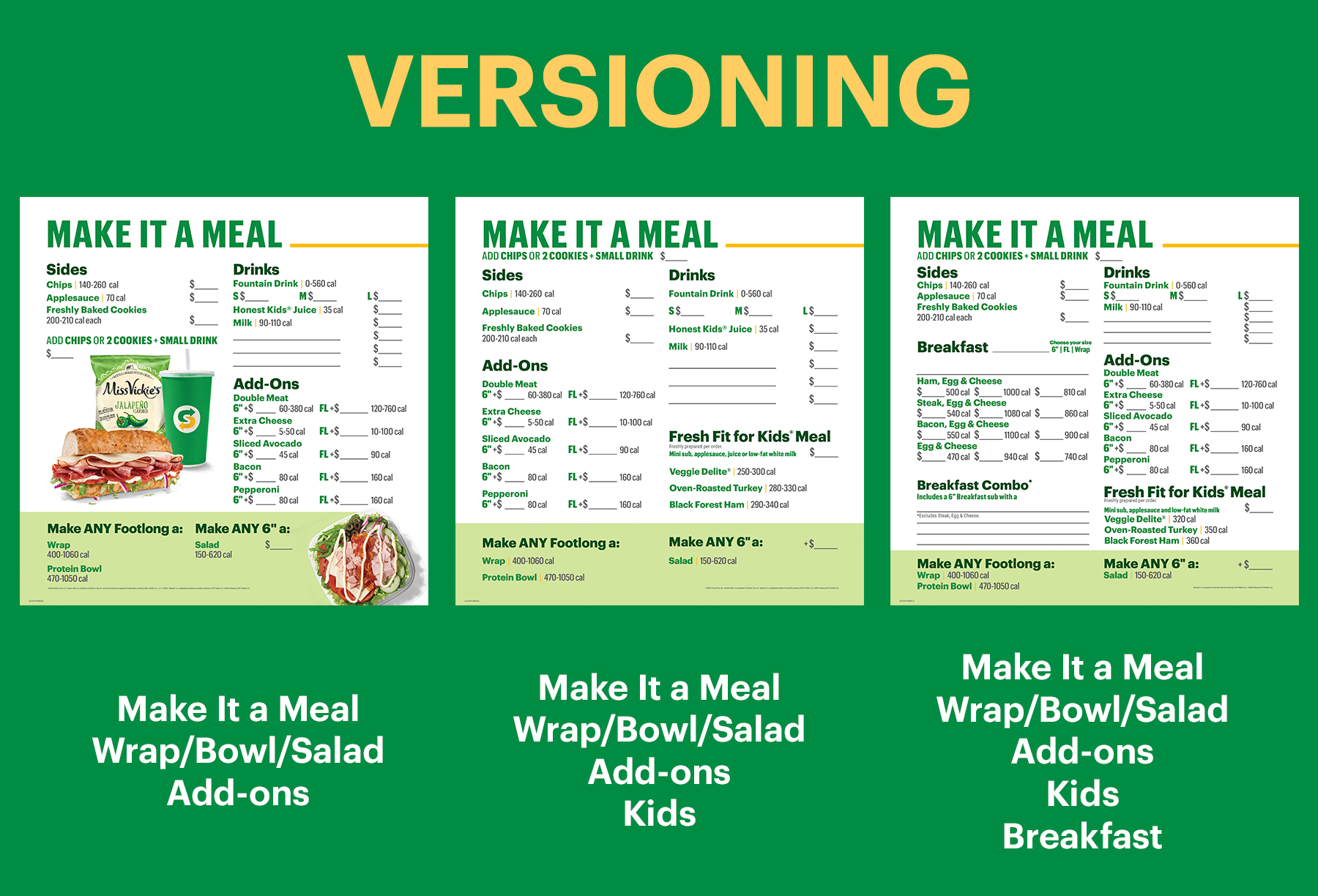
From there, the creative team hands off art files, one file per batch, and I build out variations needed (with/without Pepsi branding, with/without breakfast, different calorie callouts, etc.), check spot-white layers, link imagery to CMYK masters, check fonts and legal, and clean up bleeds and colors before routing to editorial QA and packaging for print. I also maintain and recently streamlined the Instruction Booklet, a 20-page, store-facing rollout guide sent every round so stores know how to implement the new menu boards and POP.
Three Scripts for Closing Backend Gaps in QA
INNOVATION - MENU BOARDS
Challenge
Bleeds, linked images, and spot-white layers don't show up correctly in a flattened PDF, so these issues kept slipping through to the final stage, after files were packaged and sent to print.
Solution
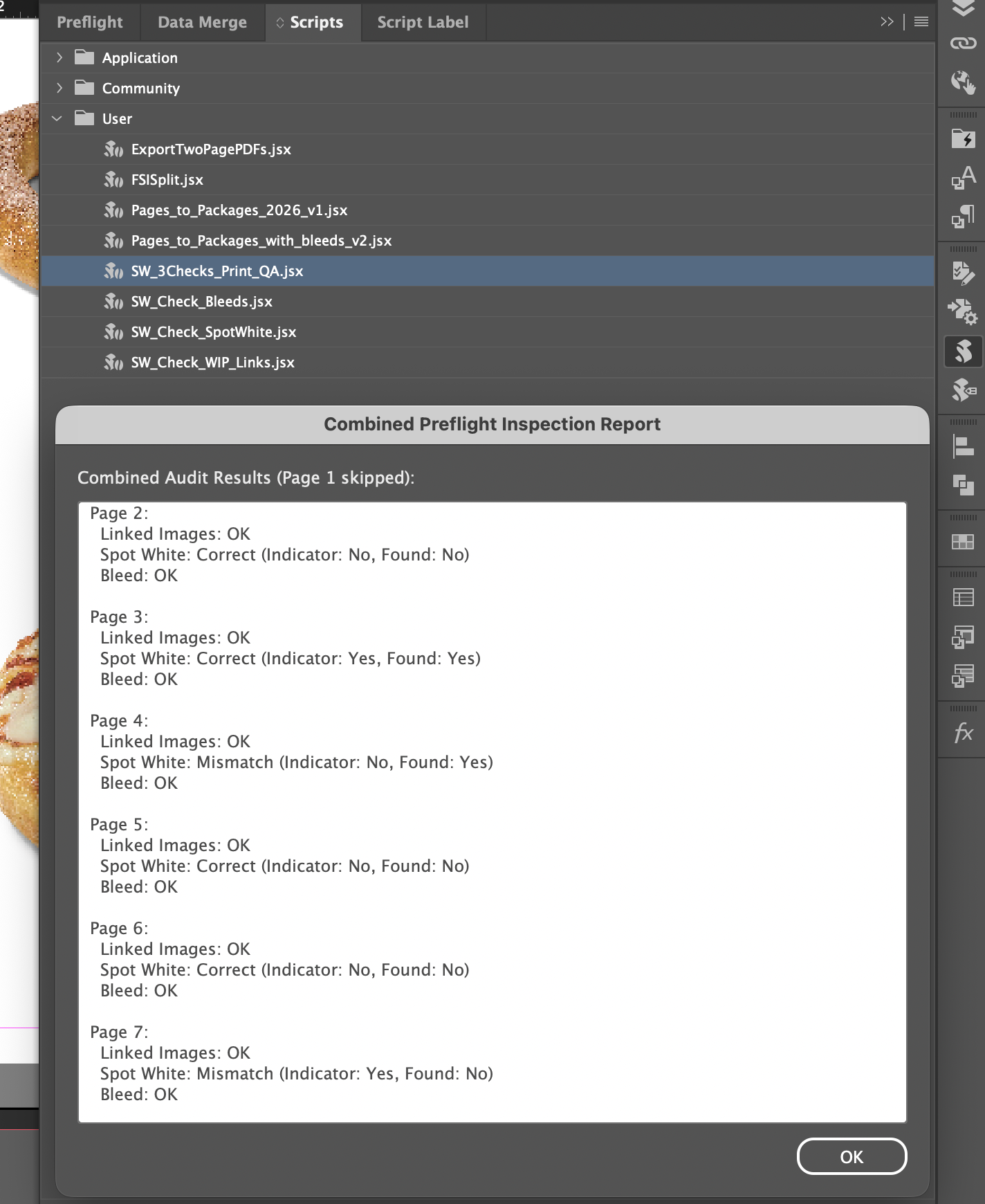
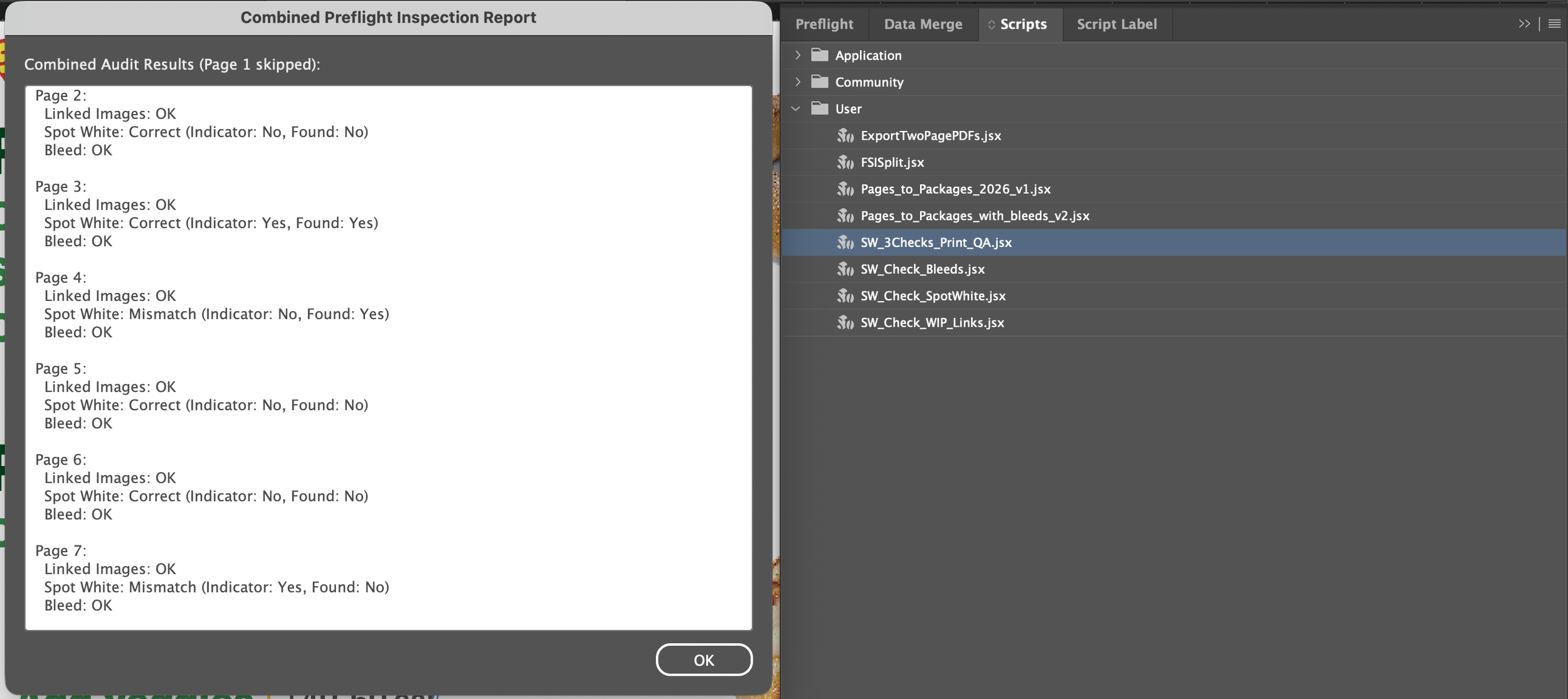
I prompted Gemini to build three scripts, run inside InDesign, that check bleed distance, flag images still linked to WIP folders instead of masters, and cross-reference file-name keywords against whether a spot-white layer is actually present. Combined into one script and tested so no check breaks another.
Results
We have required fewer rounds of edits once packages reach the print managers, saving us valuable time during the crunch period at the end of each production window
Inheriting 15 separate files and rebuilding them as one.
JOB 2 | FSIs
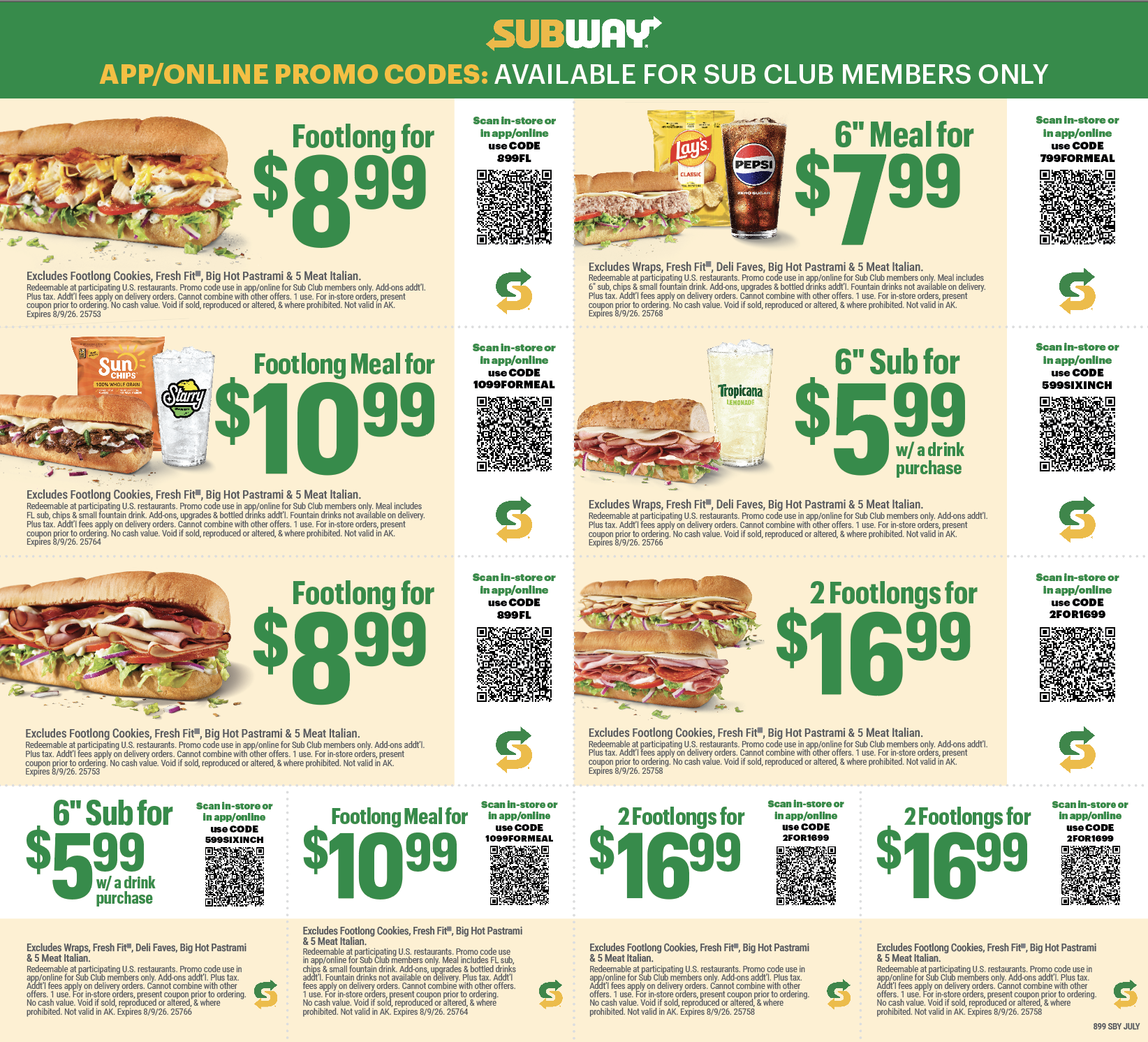
FSIs are mailed coupon inserts, one group produced monthly in 10 to 15 regional and language versions. I inherited this as fully separate InDesign files, with every edit repeated by hand across all of them. I rebuilt it using parent pages, consolidating every variant into one file, and wrote a script that auto-divides the main file into the correct output files per round.
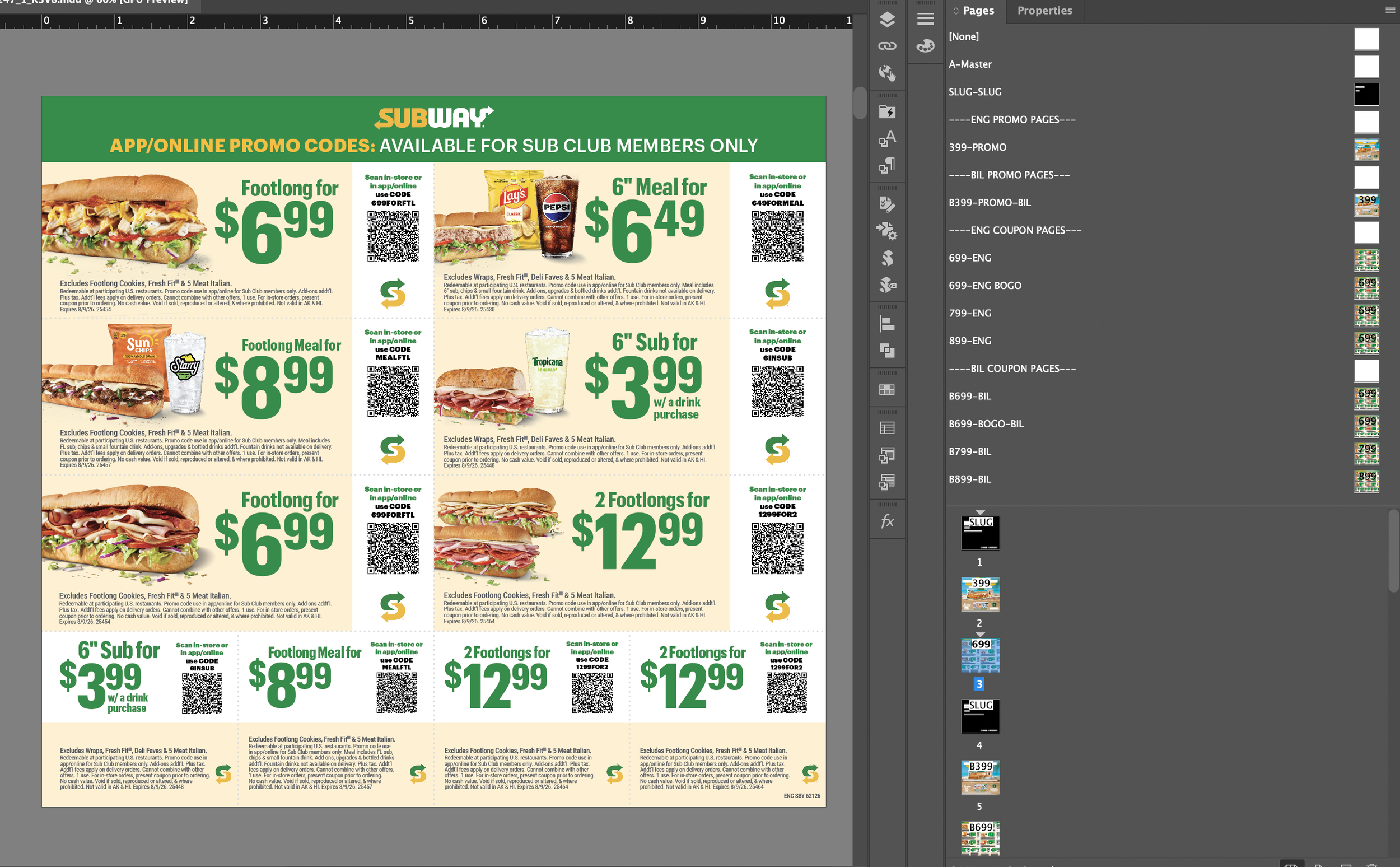
40% reduction
in the time to make, update, export, and package FSIs since moving to the master page system and implementing the new script. This has given the creative, QA, and print branches of the project more time to do their work and has eased the pressure of tight turnaround times.
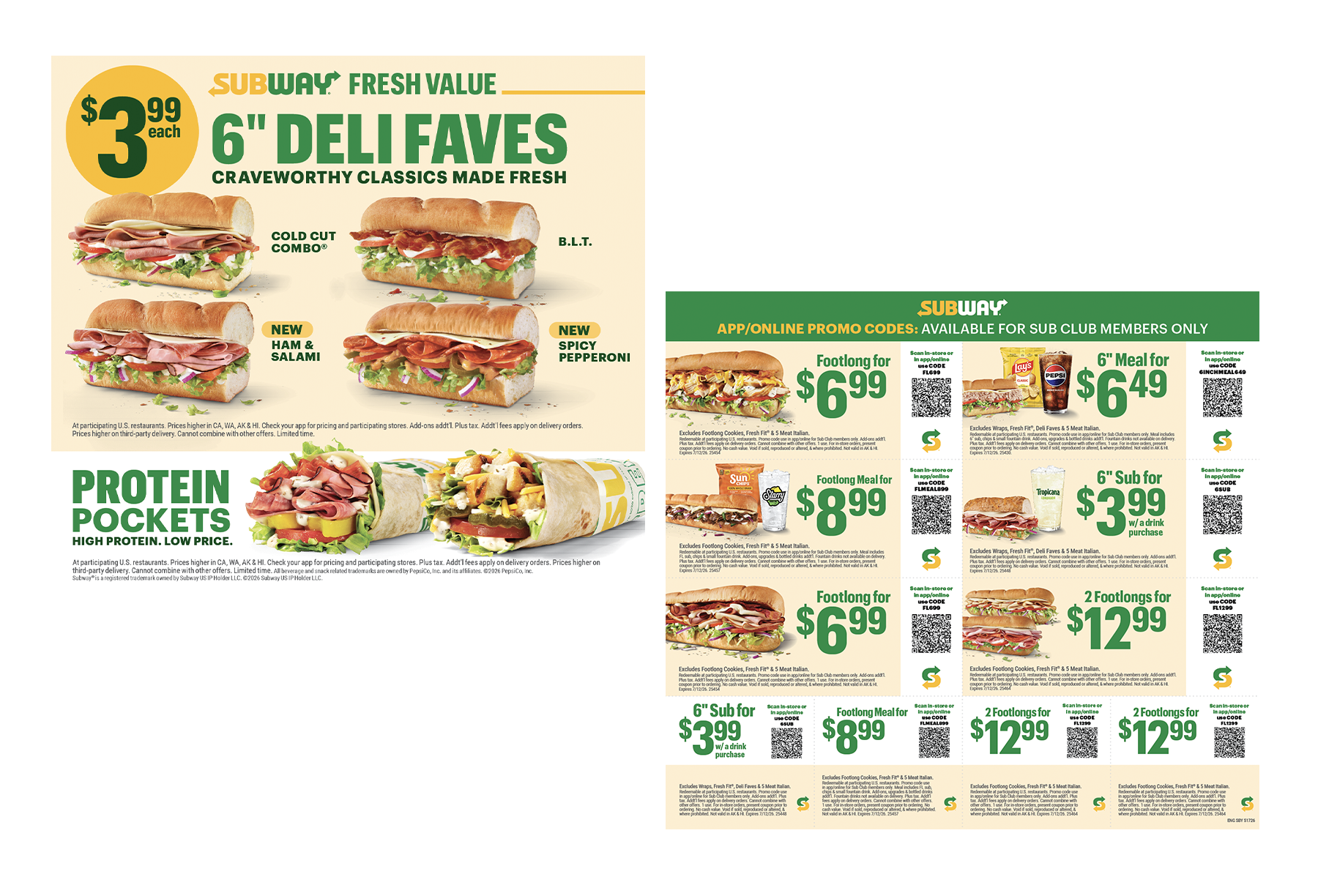
From print to app and across the web
JOB 3 | DIGITAL
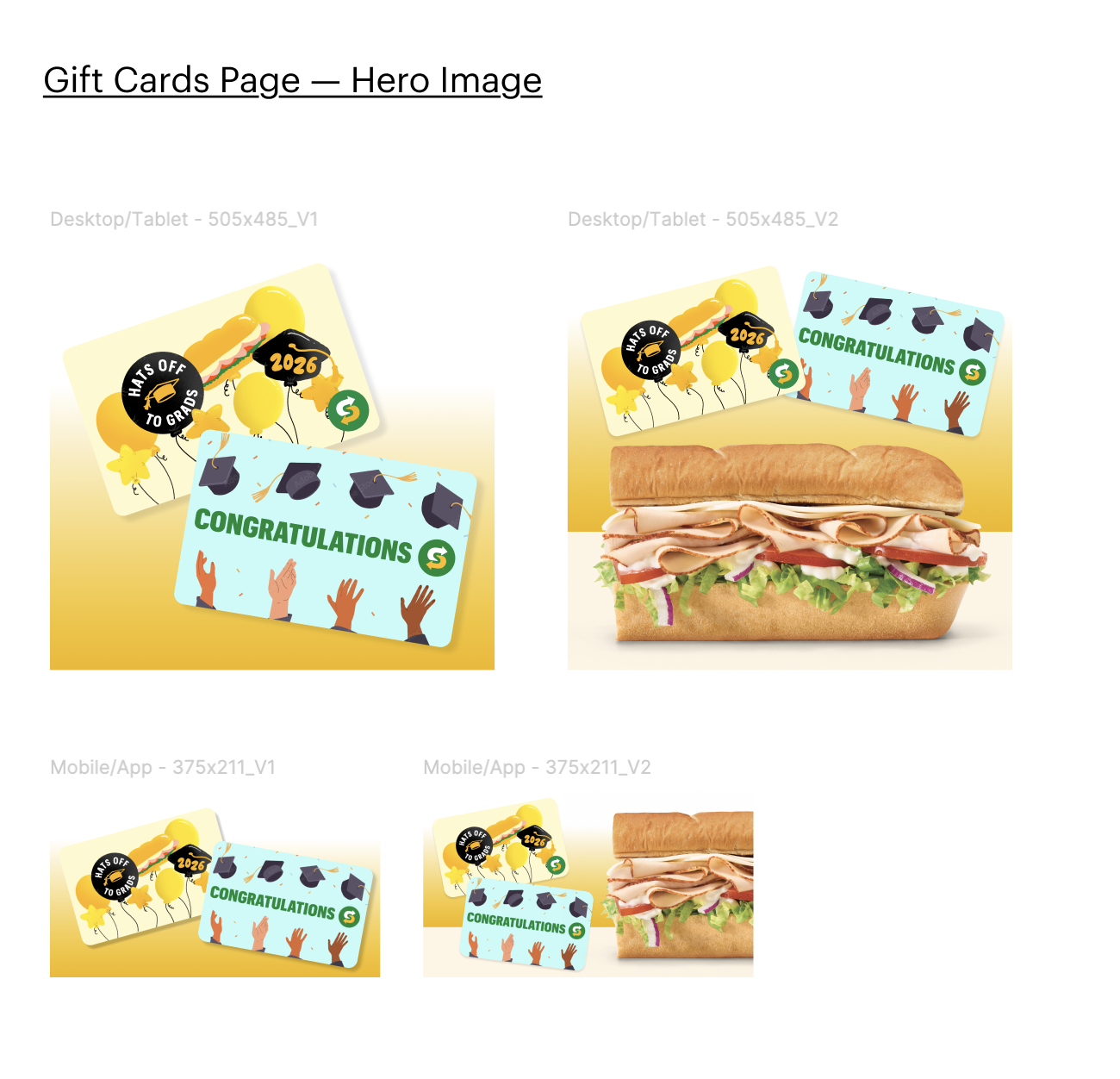
I support the digital team as needed. This includes resizing and rearranging finished print layouts for digital dimensions, and creating new web-only assets in Figma. These assets range from product images in multiple sizes to grouped product lockups for web and app placements. Everything is built in RGB rather than CMYK, matching digital rather than print standards.
Building the reference system the account needed
JOB 4 | DOCUMENTATION & PROCESS
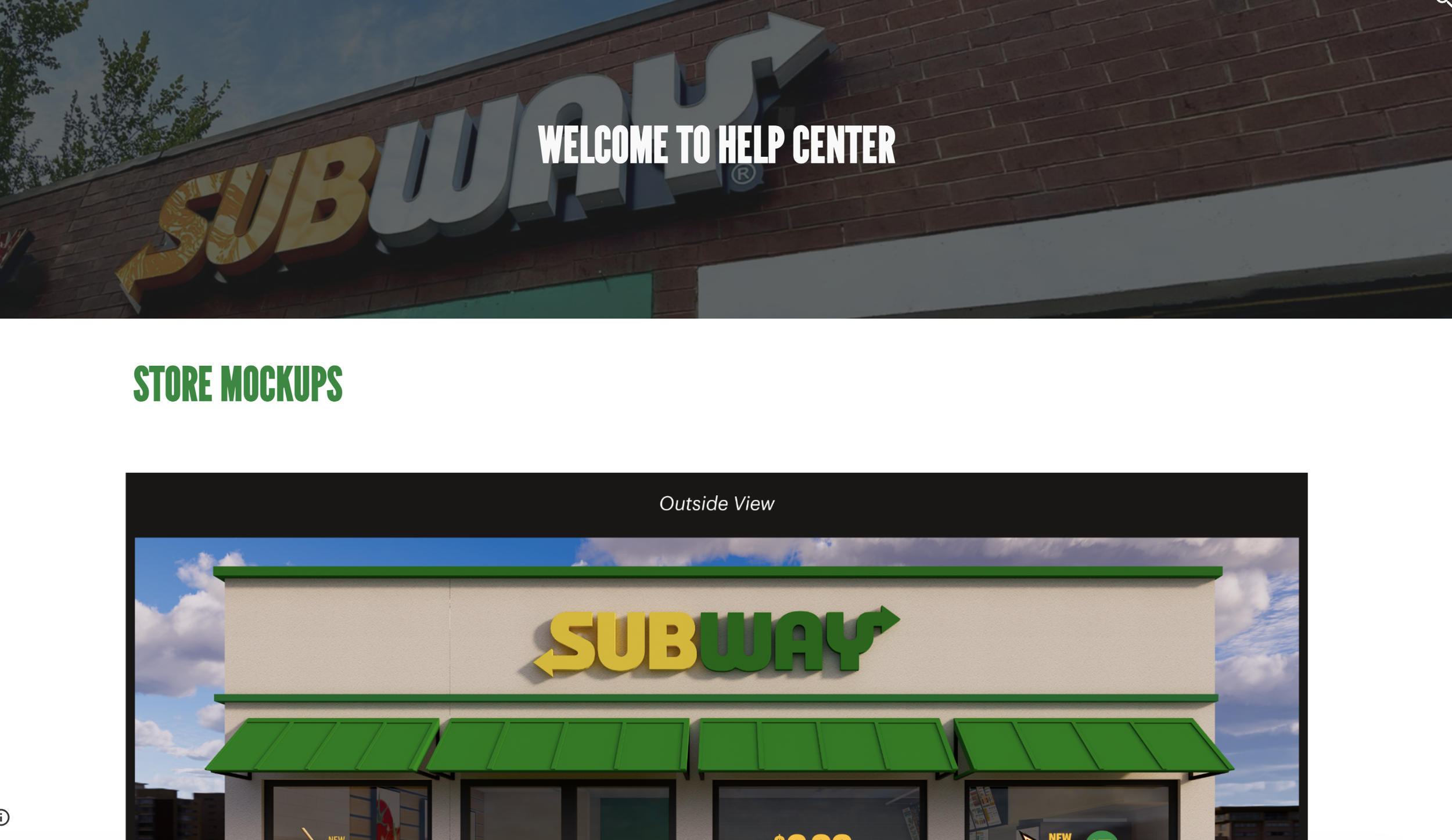
Subway is a lot to onboard for new employees or anyone filling in. My manager and I are building a central Google Site help center covering training, process, and contacts, soon adding a section on where we've used AI (the SOT macros, the QA script) and where we could next. I also made a full FSI training document, the first training document for the process that is robust enough for someone to be able to execute the process without my presence.
THE OUTCOME
Within the first year on this account, I became fully cross-trained across all four production branches. I also rebuilt the FSI workflow independently, cutting production time by 40% and setting the process the account still uses today. Alongside that, I built two AI-assisted tools from scratch, a tracking automation for the SOT sheet and an InDesign QA script, and wrote the account's first FSI training documentation. I'm now co-leading the account's first centralized process hub.